QR codes have become one of the most powerful digital tools in the world today. Whether you are a business owner, marketer, designer, educator, or just someone who wants to share information easily, QR codes make everything simple. They allow you to connect the physical world to the digital world instantly—just by scanning with a smartphone.
The best part?
You don’t need to spend any money to create QR codes.
Thanks to FreeQRCodeStudio, you can generate unlimited, high-quality QR codes without paying a single dollar.
In this detailed guide, we will explore everything about free QR code generators, how they work, where to use them, and why FreeQRCodeStudio is one of the best free tools to create professional QR codes.
1. What Is a Free QR Code Generator?
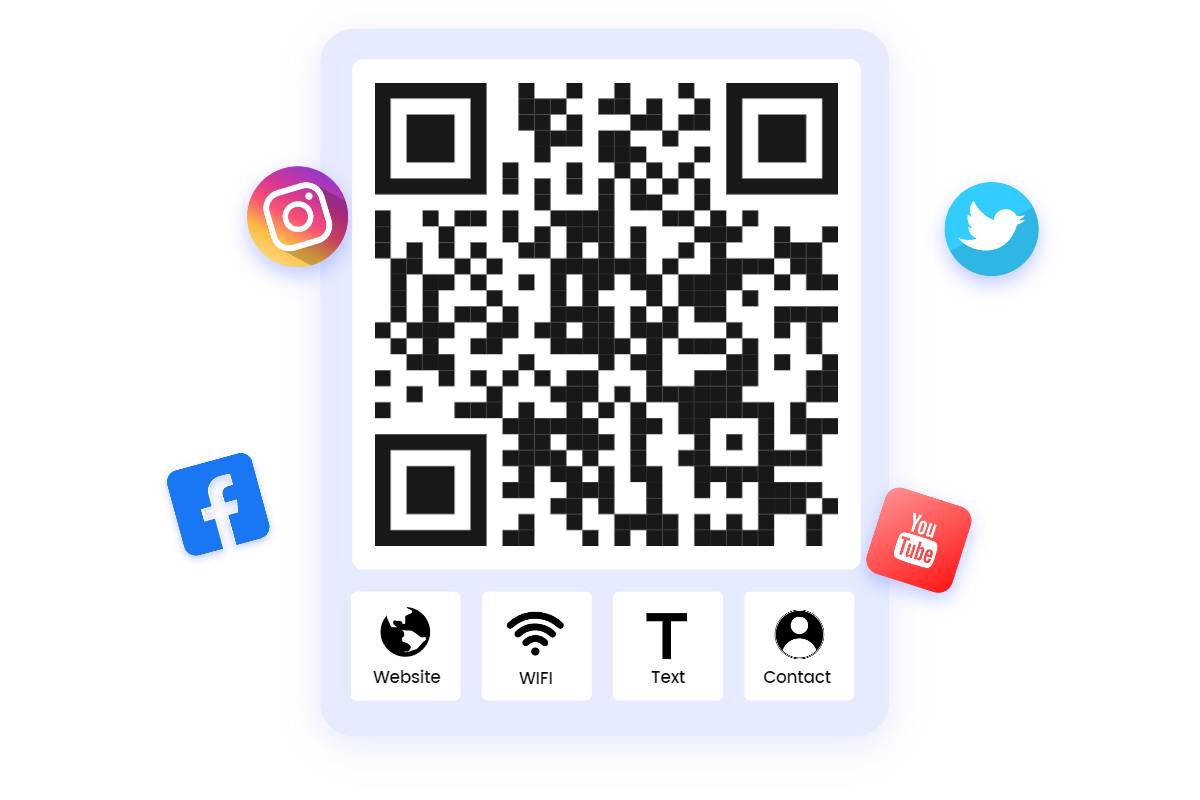
A free QR code generator is an online tool that lets users convert information—such as website links, text, contact details, WiFi credentials, or files—into a scannable QR code at no cost.
FreeQRCodeStudio is one such free tool that allows you to create:
- Website QR codes
- WiFi QR codes
- Text QR codes
- Business card (vCard) QR codes
- PDF and file QR codes
- Social media QR codes
And much more—all free of charge.
2. Why QR Codes Are So Popular Today


QR code usage has exploded for several reasons:
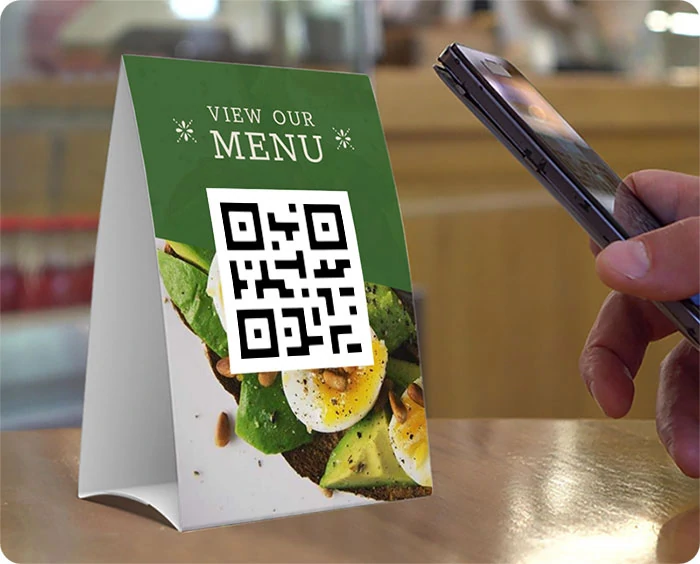
● Touchless convenience
After the pandemic, contactless menus, payments, and check-ins became essential.
● Universal scanning support
All modern smartphones scan QR codes directly from the camera.
● Cost-saving for businesses
QR codes reduce printing costs for menus, brochures, flyers, and more.
● Marketing power
They help brands connect customers to digital platforms instantly.
● Worldwide adoption
Schools, hospitals, restaurants, offices, and shops use QR codes every day.
And now, with tools like FreeQRCodeStudio, anyone can create QR codes instantly and without paying.
3. What Can You Create Using FreeQRCodeStudio?
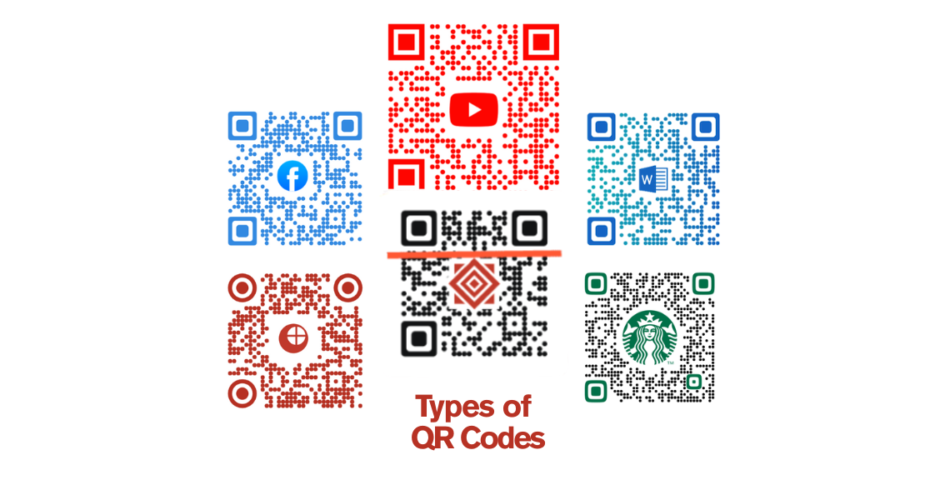
Using FreeQRCodeStudio, you can generate many types of QR codes, including:
● URL QR Codes
Share your website, landing page, product page, or blog instantly.
● WiFi QR Codes
Let visitors connect to your WiFi network without typing passwords.
● vCard/Contact QR Codes
Perfect for digital business cards.
● Text QR Codes
Share instructions, notes, or tips in a simple scan.
● Social Media QR Codes
Link to Instagram, YouTube, Facebook, TikTok, etc.
● PDF & File QR Codes
Great for menus, brochures, manuals, and guides.
● Email / SMS QR Codes
Trigger messages or automated responses.
● Google Maps Location QR Codes
Perfect for business directions or event locations.
All of these can be created for free using FreeQRCodeStudio.
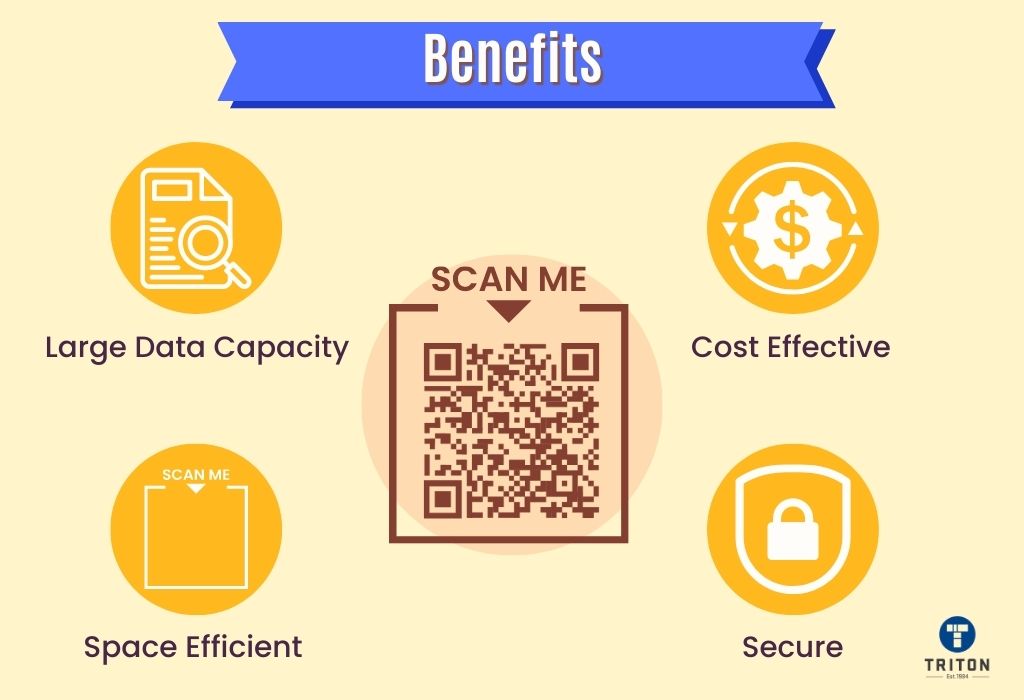
4. Benefits of Using a Free QR Code Generator Like FreeQRCodeStudio
Completely free
No hidden charges, no subscription, no limits.
Unlimited QR creation
Generate as many QR codes as you need.
Professional-quality designs
High-resolution outputs for printing.
No watermark
Your QR code is clean and professional.
Easy customization
You can choose:
- Colors
- Shapes
- Patterns
- Frames
- Logos
✔ Works on any device
You can access FreeQRCodeStudio from mobile, tablet, or desktop.
5. How to Create a Free QR Code (Step-by-Step Guide)
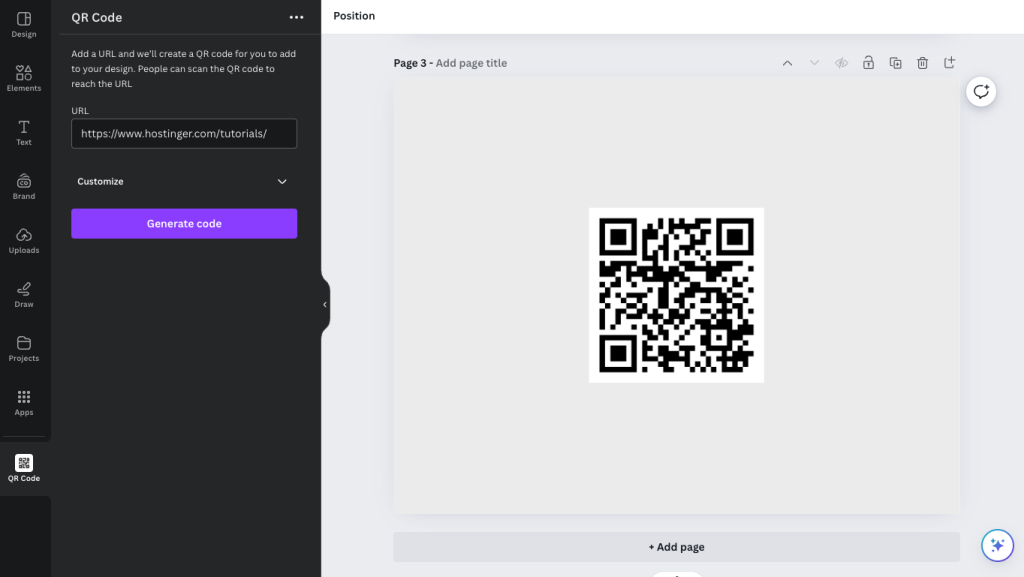

Follow these simple steps using FreeQRCodeStudio:
Step 1: Go to FreeQRCodeStudio.com
This is your free tool for unlimited QR code creation.
Step 2: Select the QR code type
Website, WiFi, file, email, text, or social media.
Step 3: Enter your content
Paste your URL or provide the required details.
Step 4: Customize the QR code
Choose:
- Colors
- Shapes
- Logo
- Style
Step 5: Click “Generate QR Code”
Your QR code will appear instantly.
Step 6: Download
Save it as:
- PNG
- JPG
- SVG
Your QR code is now ready to print or share!
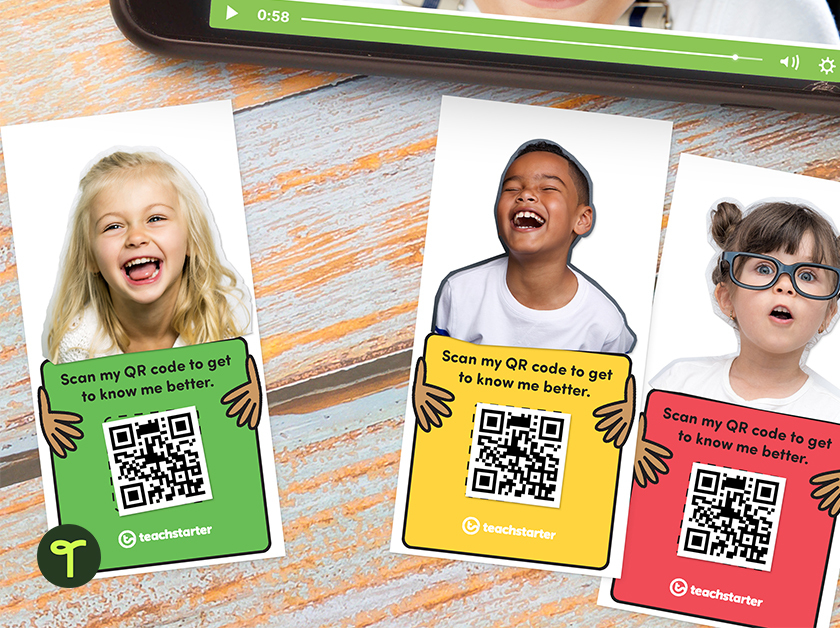
6. Creative Ways to Use QR Codes
● Restaurants
- Menu QR code
- Feedback form
- Order page
● Schools & Colleges
- Assignments
- Notes
- Class links
● Events
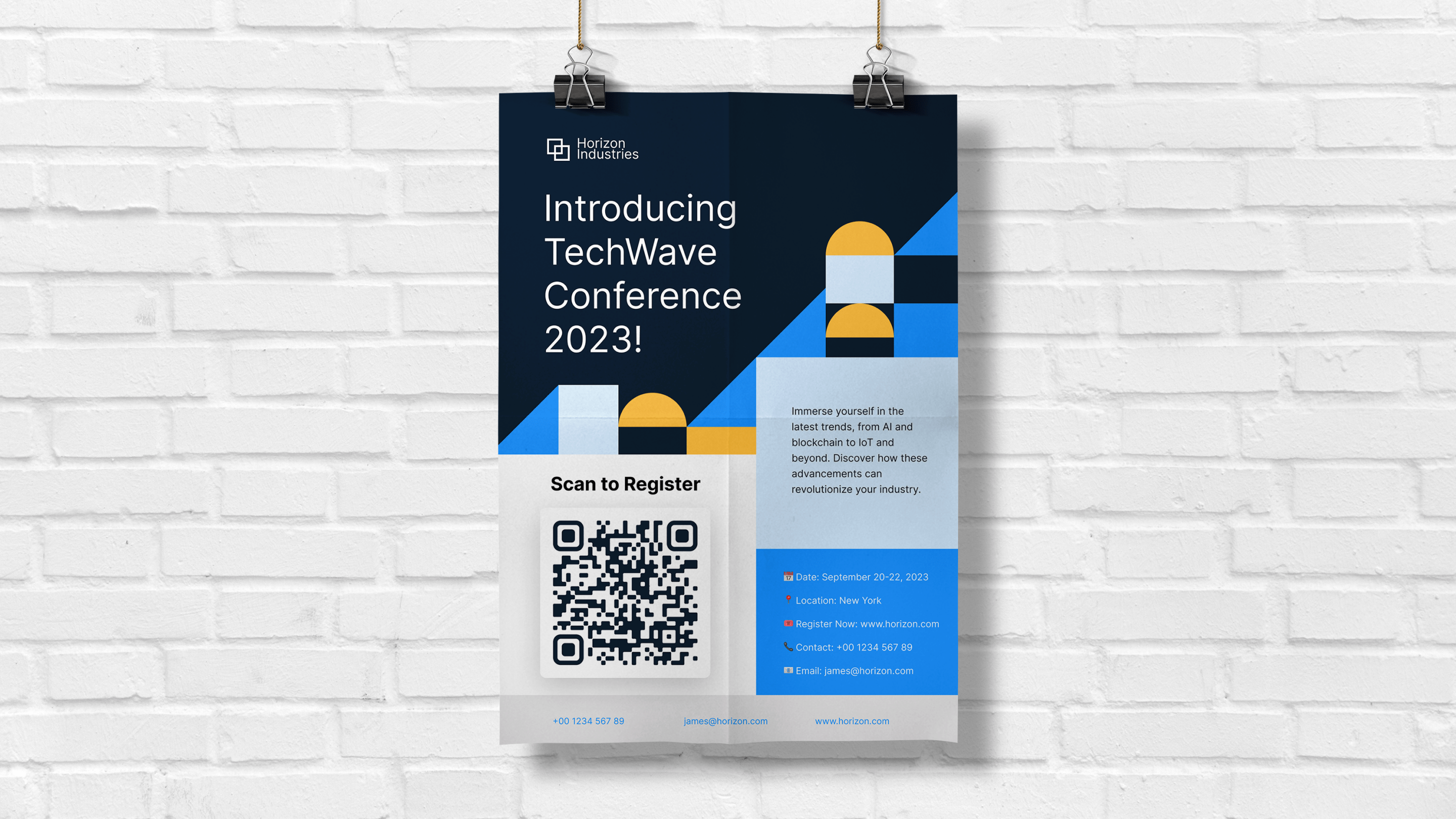
- Tickets
- Schedules
- Maps
● Businesses
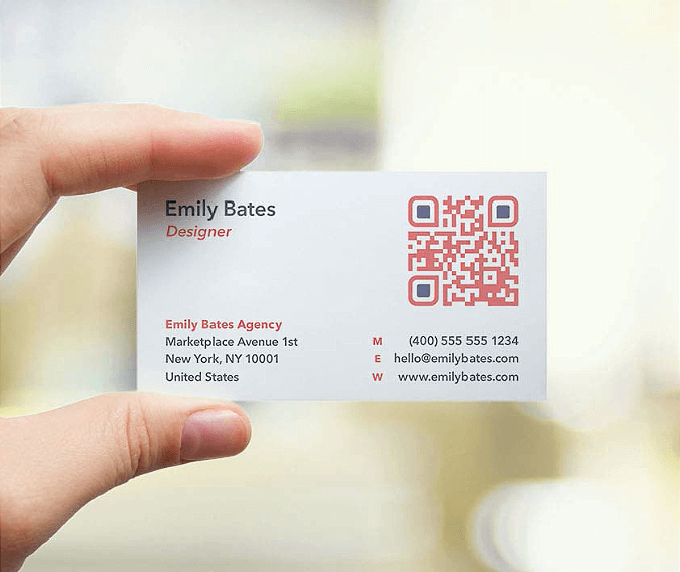
- Digital business cards
- Contact forms
- Product catalogs
● Shops & Stores
- Offers
- Discounts
- Payment options
● Personal Use
- Social links
- Portfolio
- Resume
And you can create all of these for free using FreeQRCodeStudio.
7. Why FreeQRCodeStudio Is One of the Best Free QR Tools
● It’s truly FREE
No trial, no premium locking, no paywall.
● Unlimited generation
You can create as many QR codes as you want.
● Professional features
Color, gradient, frames, logos—everything included.
● Fast processing
Instant QR code generation in seconds.
● High-quality downloads
Suitable for printing on:
- Posters
- Banners
- Business cards
- Packaging
● User-friendly interface
Even beginners can use it easily.
8. Best Practices for Creating Effective QR Codes
Use high contrast
Dark QR + light background scans best.
Avoid too much decoration
Stylish designs are good, but keep them readable.
Add a call-to-action
Examples:
- “Scan Me”
- “View Menu”
- “Get Discount”
Test before printing
Scan with:
- Android
- iPhone
- Different scanning apps
Use SVG or PDF for printing
These give the best quality.
9. Is It Safe to Use Free QR Code Tools?
Yes!
QR codes created with FreeQRCodeStudio are completely safe because:
- They don’t contain viruses
- They don’t track users
- They don’t store your data
- They don’t expire
Safety only depends on the link you provide, not the QR generator.
10. Future of QR Codes
QR codes will continue to grow in:
- Digital payments
- Smart product packaging
- Education technology
- Healthcare
- Marketing
- Logistics
With free tools like FreeQRCodeStudio, anyone can participate in this digital revolution.
11. Conclusion
QR codes are powerful, simple, and extremely useful in today’s digital world. And thanks to FreeQRCodeStudio, you can create unlimited, high-quality QR codes without paying anything. Whether you’re designing QR codes for business, education, events, marketing, or personal use, this free tool gives you everything you need—easy, fast, and professional.
If you want a reliable, no-cost, and user-friendly QR generator, always choose:
👉 FreeQRCodeStudio – Your best free QR code creation tool.
FAQs About Free QR Code Generators (FreeQRCodeStudio Guide)
1. What is a free QR code generator?
A free QR code generator is an online tool that lets you create QR codes without paying. Websites like FreeQRCodeStudio allow users to generate unlimited high-quality QR codes for personal or business use.
2. Is FreeQRCodeStudio really free?
Yes. FreeQRCodeStudio is completely free. There are no hidden charges, no subscriptions, and no watermarks. You can generate unlimited QR codes anytime.
3. Do QR codes created with FreeQRCodeStudio expire?
No. QR codes created on FreeQRCodeStudio are permanent static QR codes. They never expire and will continue to work as long as your link or information remains active.
4. Can I edit a QR code after generating it?
No. Static QR codes cannot be edited after creation. If you need to change the information, simply create a new QR code using FreeQRCodeStudio—it only takes seconds.
5. Is it safe to use FreeQRCodeStudio?
Yes, it is 100% safe. FreeQRCodeStudio does not collect sensitive data, store your information, or track your QR codes. The QR code image itself is harmless—the safety depends only on the link you provide.
6. Can I use QR codes created by FreeQRCodeStudio for commercial purposes?
Yes. All QR codes generated from FreeQRCodeStudio can be used for:
- Business marketing
- Packaging
- Menus
- Flyers
- Posters
- Digital promotions
There are no restrictions on usage.
7. Does FreeQRCodeStudio support logo or color customization?
Yes. You can easily customize QR codes by:
- Adding a logo
- Changing colors
- Applying shapes
- Using custom patterns
This helps create branded and visually appealing QR codes.
8. What file formats can I download QR codes in?
FreeQRCodeStudio allows you to download your QR codes in:
- PNG
- JPG
- SVG
- PDF
SVG and PDF are perfect for printing.
9. Can I create a WiFi QR code for free?
Absolutely. FreeQRCodeStudio provides a free WiFi QR code option that lets users connect to your WiFi network instantly without typing a password.
10. Why isn’t my QR code scanning?
Common reasons include:
- Low contrast between QR code and background
- Blurry or low-resolution code
- Logo covering too much area
- Missing white border (quiet zone)
Regenerate your QR code on FreeQRCodeStudio with better contrast or without blocking important parts.
11. Can I make QR codes for PDF files?
Yes. Simply upload or host your PDF online, then paste the link into FreeQRCodeStudio to generate a PDF QR code instantly.
12. Do users need an app to scan my QR code?
No. All modern smartphones (Android and iPhone) can scan QR codes using their built-in camera.
13. Can QR codes be used offline?
The QR code itself works offline, but the content it links to (such as a website) needs internet access. If you embed text-only QR codes, those can be viewed offline.
14. Is FreeQRCodeStudio suitable for business marketing?
Yes. Many businesses use FreeQRCodeStudio for:
- Digital menus
- Product pages
- Contact cards
- Social media links
- Event registration
- Promotions
It’s completely professional and reliable.
15. How many QR codes can I create per day?
There is no limit on FreeQRCodeStudio. You can generate unlimited QR codes whenever you want.